Square loyalty in Australia: why phone number matters at checkout
In-store points fail when Square payments have no phone or email. AU staff scripts, Virtual Terminal tips, and how unified loyalty qualifies customers.
2026-05-24 · Lance
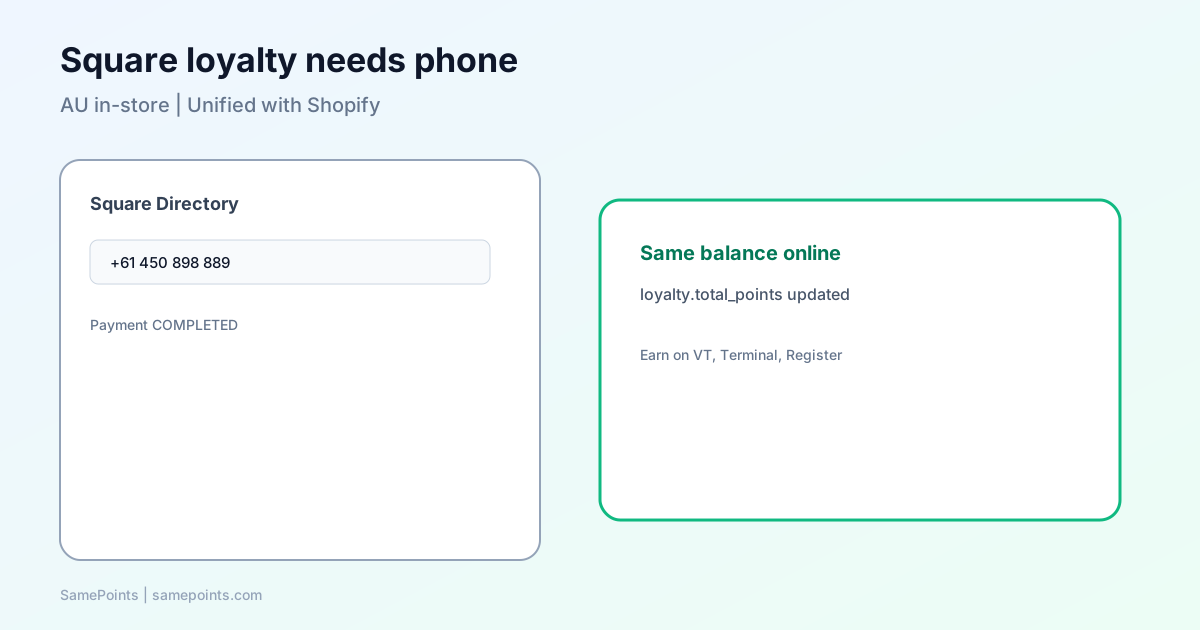
Short answer: For unified Shopify + Square loyalty, treat mobile number as the non-negotiable identifier at the counter. Square payment webhooks often include only customer_id; without a phone (or email) on that Square profile, you cannot reliably attach points to the same person who shops online. Train staff to capture phone in Square Directory before taking payment.
Australian merchants using Square Terminal, Virtual Terminal, or Register frequently report “loyalty worked online but not in-store.” The log often shows a completed payment with a Square customer ID — and an empty contact row in the loyalty app. That is expected when contact data never entered Square.
What Square sends vs what staff assume
| Field on receipt | In payment.updated webhook |
Enough for unified loyalty? |
|---|---|---|
customer_id |
Yes, if customer attached | Only if loyalty app already knows that ID |
| Phone | Not on payment payload | Must live on customer profile |
| Not on payment payload | Same — on customer profile | |
receipt_number (short code) |
Yes | Not a stable loyalty key |
Loyalty systems should key off normalised AU mobile (04xxxxxxxx) or Shopify customer ID — not receipt short codes. Refunds trace the original payment via payment_id (Square refunds).
Operator note: Virtual Terminal and cash sales
Many test transactions use Virtual Terminal with cash. Same rules apply:
- Create or select a Square customer.
- Enter +61 mobile (Square accepts E.164; SamePoints normalises to
04…). - Take payment.
If you skip step 1–2, the payment may process but loyalty will skip with square_customer_missing_contact — points are not awarded to anonymous square:… rows.
Counter script: “To add today’s purchase to your rewards, I need the mobile number on your account — same one you use for online orders.”
Phone-first matching (how unified apps should behave)
After Connect Square in Settings (one-click OAuth, no merchant webhook paste), a solid flow looks like:
- Payment webhook arrives with
customer_id. - App loads Square customer profile (requires
CUSTOMERS_READ). - App searches existing loyalty row by phone, then Square ID, then email.
- Points post to that row; Shopify metafield updates if Shopify is linked.
customer.created webhooks help when staff add Directory entries before payment — but timing matters. If payment fires first, the API backfill on step 2 is essential.
Read the full channel guide: Shopify + Square points sync.
Staff training one-pager
Do
- Add customer to Square Directory with mobile before card/cash.
- Confirm “rewards” customers know online email and in-store phone should match.
- For returns, use original receipt — finance handles points via system refund webhook.
Don’t
- Assume tapping a card links to Shopify automatically.
- Create a new Directory profile every visit without checking phone.
- Promise points for “guest” checkout with no customer attached.
Compliance and marketing (AU)
If you use marketing subscription gating (Shopify customer marketing states), online enrolment may require opt-in. In-store, staff should not promise email campaigns when only phone was collected for transactional loyalty.
Document in your privacy policy:
- Phone used to match accounts and send balance-related messages.
- Optional SMS marketing only with consent.
Troubleshooting table
| Symptom | Likely cause | Fix |
|---|---|---|
| Payment processed, 0 points | No phone/email on Square customer | Add phone; retest or manual adjust |
| Points on “Square-only” row | Payment before Directory entry | Merge profiles; fix process |
| Shopify balance stale | Customer not linked to Shopify ID | Merge; verify Connect Square + outbound sync |
| Refund did not deduct | Original payment on wrong profile | Merge first; refund uses payment_id |
Use Logs and Customers → Merge profiles when two rows exist.
FAQ
Is phone mandatory for every Square sale?
For automated unified loyalty, yes — or another strong link (email on file + Shopify match). Guest sales without a customer record should not expect points.
Does Square Loyalty (native) solve this?
Square Loyalty is a separate program inside Square’s ecosystem. It does not automatically unify with Shopify gift cards or metafields. Hybrid retailers need a bridge app or custom integration.
What format should staff enter?
Use Australian mobile with country code +61 or local 04. Avoid landlines if your online store never collected them.
Can I backfill points after adding a phone?
After merging profiles or fixing the customer row, new payments accrue correctly. Past anonymous payments may need a manual adjustment policy — document it for fairness.
What is SamePoints?
SamePoints connects Shopify and Square with one-click OAuth, phone-first customer matching, customer-claimed gift cards, and refund-safe ledger entries for retailers worldwide.
Ready to unify Shopify + Square loyalty?
Start free