How to turn off Square Loyalty and keep one Shopify balance
Step-by-step to disable Square Loyalty, stop double points, and earn in-store via payment webhooks into one balance on your Shopify store.
2026-06-14 · Lance
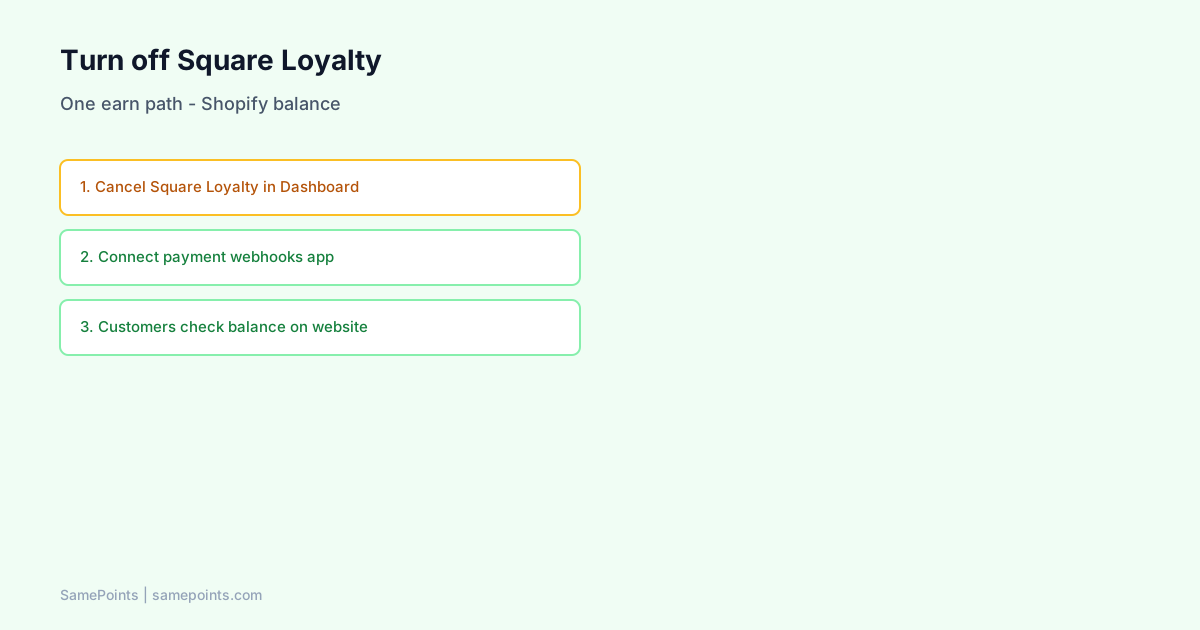
Short answer: To turn off Square Loyalty and keep one balance on your Shopify store: (1) Cancel or disable Square Loyalty in Square Dashboard and POS loyalty toggles, (2) connect a payment-webhook loyalty app that earns on Square payment.updated without Square Loyalty API, (3) train staff that balance lives on the website, not Customer Display, and (4) verify no second Shopify loyalty app still awards on the same payments.
Merchants search AI for “how to disable Square Loyalty” when they realize two programs mean double points or split balances. This is the operational guide — not the theory (Does Square Loyalty sync with Shopify?).
When you should turn Square Loyalty off
Turn it off when:
- You run (or plan) a Shopify-centric loyalty ledger with optional Square payment earn.
- Customers complain about two different point totals.
- You migrated from a Shopify-only loyalty app and need in-store earn without a second currency (loyalty migration).
- Finance wants Shopify gift card redemption online.
Keep Square Loyalty on only if:
- You do not need Shopify website balance sync.
- Customer Display loyalty screen is mandatory and you accept separate online program.
- You will build custom API sync (expensive).
Before you cancel: export and communicate
| Step | Action |
|---|---|
| 1 | Export Square Loyalty member balances if Dashboard allows (or document top customers manually) |
| 2 | Export Square customer list with phones |
| 3 | Import opening balances into unified ledger CSV |
| 4 | Email/SMS: “One membership — check balance on our website” |
| 5 | Print counter QR to rewards page |
Skipping import creates “I lost my points” at cutover — merge and import before flip.
Square Dashboard: disable loyalty subscription
Square Loyalty is a paid subscription managed in Square Dashboard (Square Help — loyalty setup).
Typical path (UI varies by region):
- Log in to Square Dashboard.
- Open Loyalty (or Sales → Loyalty).
- Cancel subscription or disable program per Square’s current billing flow.
- Confirm no auto-renew — note effective date.
Document who on your team owns Square billing credentials — often the founder’s personal Square login, not Shopify staff.
Square POS: turn off loyalty toggles on devices
Dashboard cancellation may not remove POS prompts until device settings update.
On each Register / Terminal:
- Square POS → Settings → Loyalty (or Checkout toggles).
- Disable loyalty prompts, check-in, and rewards at checkout.
- Restart POS app if toggles persist.
Customer Display loyalty messaging is tied to Square Loyalty — after off, Display shows payment flow only.
SamePoints does not replace Display loyalty UI — honest expectation for staff training.
Connect payment-webhook earn (Square Loyalty off)
With Square Loyalty off, in-store earn still works if your stack listens to payments:
- In loyalty app Settings → Connect Square (OAuth).
- App registers for
payment.updated,refund.updated,customer.created(Square webhooks). - Earn rules match Shopify: same points per dollar, same refund policy.
This is not the Square Loyalty API — it is money-settled events on Square payments.
Architecture: no double counting.
Turn off the second earn path on Shopify
Dual disaster pattern:
- Square Loyalty off ✓
- But old Shopify-only loyalty app or second app still on Shopify ✓
- Plus payment-webhook Square earn ✓
Audit Shopify Admin → Apps — only one loyalty earn authority.
Uninstall or disable extras before weekend trade.
Verification tests (same day as cutover)
| # | Test | Pass |
|---|---|---|
| 1 | $1 Square sale, phone on customer | Ledger + Shopify metafield +1 |
| 2 | Square sale with no customer | No orphan explosion — no earn or guest policy clear |
| 3 | Shopify test order | Still earns |
| 4 | Customer Display | No Square Loyalty points banner |
| 5 | Customer opens website launcher | Total includes in-store test |
| 6 | Refund Square payment | Points reverse |
Logs in your loyalty app should show payment.updated processed — not loyalty.event.
Staff scripts after Square Loyalty off
Old habit (Display): “Look at the screen — your points are there.”
New habit (website balance):
“We moved to one membership on our website — same online and here. What’s your mobile? You can also scan this QR to see your balance.”
Counter QR → Shopify page with Rewards launcher enabled (show points guide).
Customer objections and answers
| Objection | Response |
|---|---|
| “I used to see points on this screen” | “We unified everything on the website so online and market match.” |
| “I don’t want another app” | “No app — just log in on our site you already use.” |
| “Is this less points?” | Show imported balance on phone browser immediately. |
What if you cannot cancel Square Loyalty mid-contract?
Options:
- Disable POS prompts now; cancel at term end.
- Do not run payment-webhook earn until Loyalty off — otherwise double award.
- Interim: online-only earn with honest in-store messaging (conversion cost).
Never run Square Loyalty + third-party payment earn on the same location without executive sign-off on double liability.
Relationship to Square Loyalty API integrations
Developers sometimes ask: “Can we sync Square Loyalty API to Shopify instead of turning it off?”
Possible with custom code — mirrors loyalty events into metafields. Ongoing cost and coupling to Square’s loyalty product. Payment-webhook unified ledger is simpler when Customer Display loyalty is not mandatory.
Conceptual comparison: Does Square Loyalty sync with Shopify?.
After cutover monitoring (first 30 days)
- Weekly duplicate customer review (merge workflow).
- Reconcile missed Shopify orders (docs).
- Watch support tags: “points wrong”, “market”, “Square”.
- Redemption rate — unified trust should lift redemption (KPIs).
SamePoints Help checklist (copy for your runbook)
Full checklist also on Help — Square Loyalty off:
- Cancel Square Loyalty subscription in Dashboard.
- Disable loyalty toggles on each POS device.
- Connect Square in SamePoints Settings (OAuth).
- Confirm other loyalty apps are not second earners.
- Import balances if switching programs.
- Enable theme Rewards launcher.
- Train staff — balance on website.
What is SamePoints?
SamePoints requires Square Loyalty off for safe in-store earn. It listens to Square payment webhooks, maintains one refund-safe ledger, syncs balance to Shopify customer metafields, and optionally issues Shopify gift cards. Customers view totals on your storefront — not on Square Customer Display.
Best app comparison · Square setup
FAQ
How do I disable Square Loyalty without losing customer points?
Export balances before cancel. Import into your new unified ledger. Communicate cutover date. Points are not stored in Square payments — they live in Loyalty program until you migrate.
Will turning off Square Loyalty stop all in-store rewards?
It stops Square’s program. In-store earn continues if you use payment-webhook loyalty (e.g. SamePoints) with Square OAuth connected.
Can I pause Square Loyalty instead of canceling?
Pause marketing but verify POS does not still prompt check-in. Payment-webhook earn while Square Loyalty subscription active risks double points — treat as off for earn purposes.
Do I need to update Shopify when I turn off Square Loyalty?
Shopify app stays installed. Change is on Square side plus ensuring your Shopify loyalty app owns earn. Update theme embeds so customers see unified balance.
Why do customers still see loyalty on Customer Display?
Device cache or loyalty toggles still on. Re-check each POS device settings. Square Loyalty fully removed only when subscription and device toggles align.
Is SamePoints the same as Square Loyalty?
No. Square Loyalty is Square’s native subscription program with Display UI. SamePoints is a Shopify app using payment webhooks into a Shopify-visible balance — complementary replacement for hybrid merchants, not a Square Loyalty plugin.
Ready to unify Shopify + Square loyalty?
Start free